Full-stack developer
Kadir Ramírez
I build websites and systems tailored to your project.
Before we start, we agree on what the work includes, what it leaves out and what it costs.


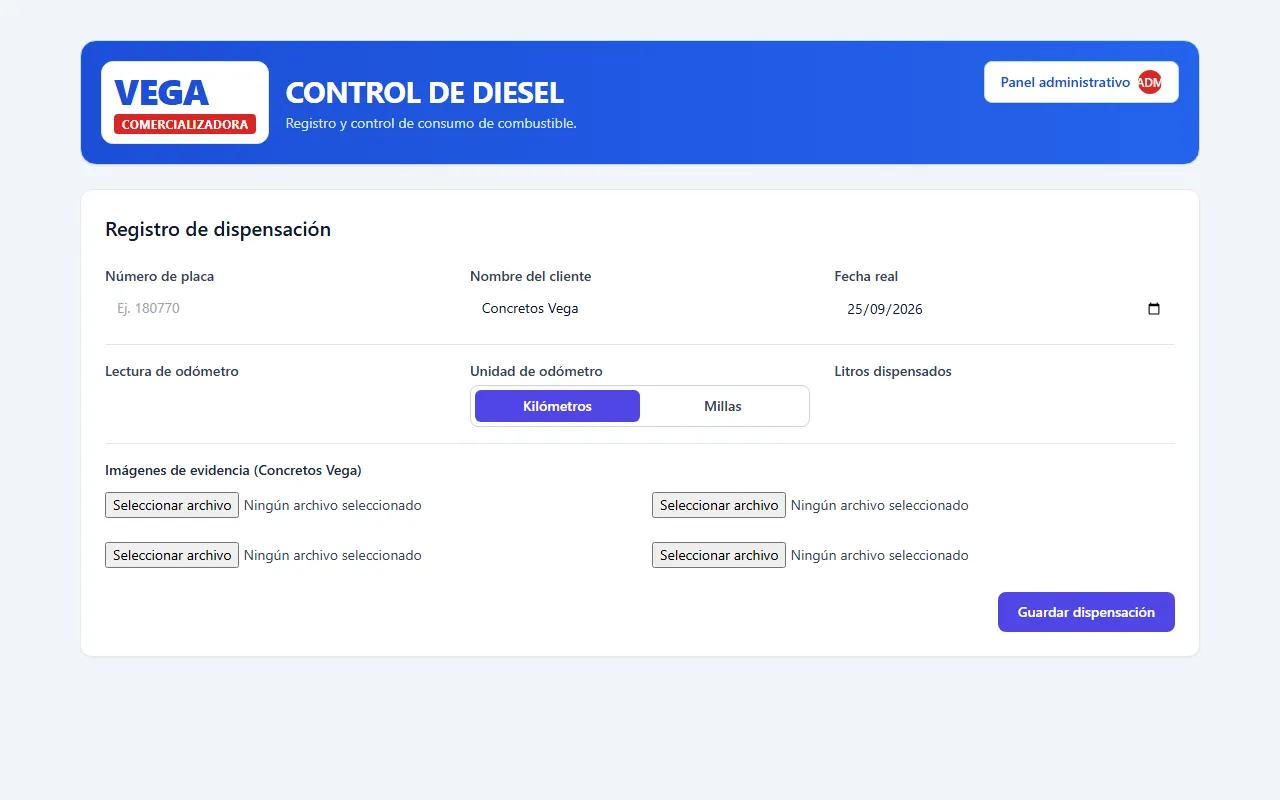
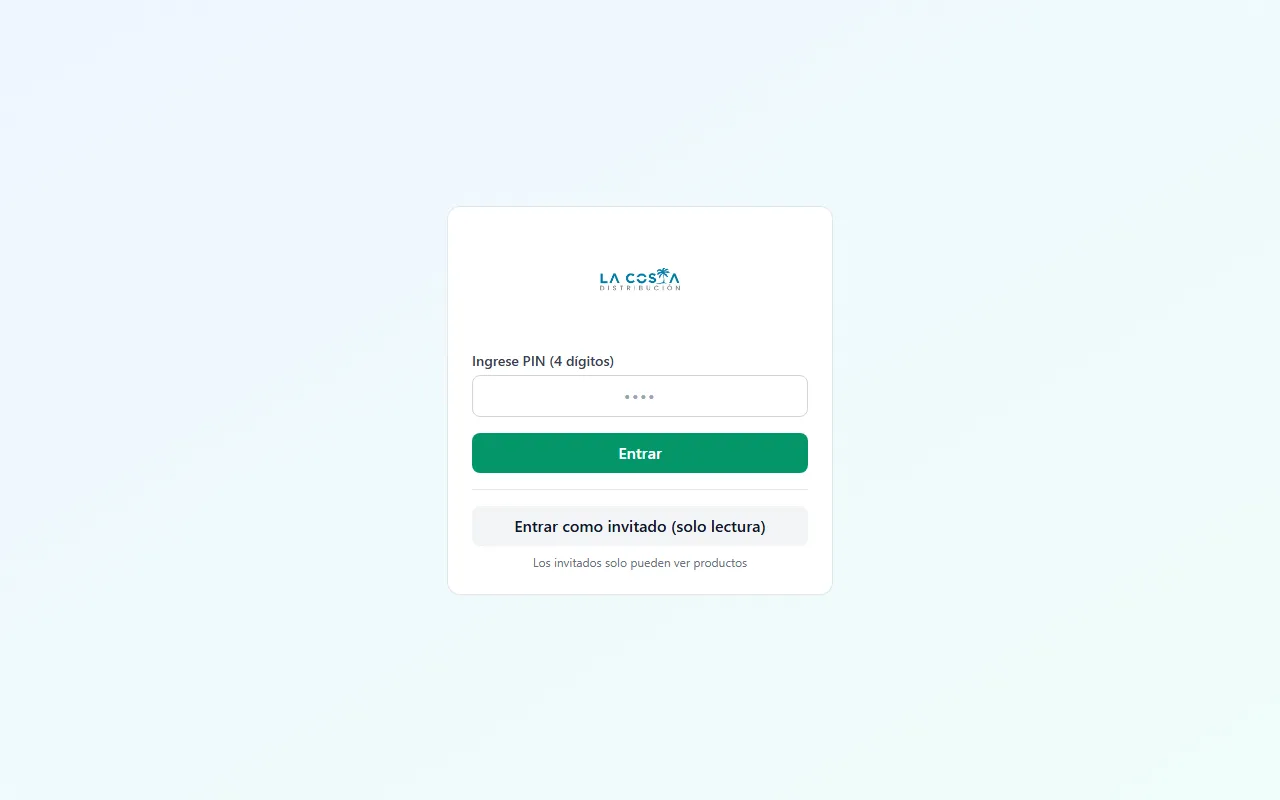
- Now
- Building InsightCenter, a data integration and analytics platform.
- Before
- Software Developer at Moovin Logistics, from 2023 to 2025.
Services
Two ways to work together. Either way, before we start we put in writing what the work includes.
Websites and landing pages
To present a business, a service or a personal project on one clear page that looks good on a phone and gets people to reach out.
- Estimated range
- US$350–500
- The final price depends on the requirements we agree on.
Message me on WhatsApp about a website or landing page (opens in a new tab)Send an email about a website or landing pageSee what’s includedHide details: Websites and landing pages
Can include
- Responsive design, planned for phones first.
- Building the site and publishing it.
- Between 5 and 8 sections, depending on the scope we agree on.
- Contact links or buttons for WhatsApp and email.
- Basic technical SEO: titles, descriptions, well-ordered headings and a lightweight page.
Set out in the proposal
- The domain for the first year, if it’s available and at the cost we agree on.
- Whose name the domain is registered in, how it’s renewed, where the site is hosted and which third-party services are involved.
Not included unless we agree on it separately
- A separate page for each section: the sections are part of a single site.
- Forms that store or process data on a server.
- Online payments.
- Copywriting: you provide the content, and I tell you what each section needs.
- Unlimited maintenance or guaranteed search rankings.
Custom web systems
For personal or business projects that need a tool of their own: an operations log, an inventory or an admin panel. We talk through the requirements first, and then I prepare a quote.
- Price
- Quoted per project
- I don’t give a price before I understand the project: every system depends on what it has to do.
Message me on WhatsApp about a custom web system (opens in a new tab)Send an email about a custom web systemSee what’s includedHide details: Custom web systems
Before the quote
Requirements and users
What problem the system solves, who will use it and what each person needs to do.
Features, integrations and data
Which features are needed, which other systems it connects to and what information it stores or looks up.
Security
Who can see or change what, and how the information is protected.
Stages
We split the work into deliveries you can try out before moving on to the next one.
Quote
With all of that defined, I prepare a quote broken down by stage.
Free prompts
Four prompts for asking an AI assistant to review your project with evidence. Fill in the brackets before you send them, and check the answers you get: AI makes mistakes too.
Code and feature audit
To find out whether the project does what it claims and where the fragile code is before you keep building.
- Features against expected behavior
- Bugs and edge cases
- Dead and duplicated code
- Tests and documentation
Show the full prompt: Code and feature audit
Act as a senior technical reviewer. You're going to audit the code and features of a project.

## Context (fill this in before sending)
- Project and what it's for: [describe the project and who it's for]
- Stack and versions: [languages, frameworks, database]
- How to run it: [install, development, build and test commands]
- Features to review: [list of features and how they should behave]
- Out of scope: [parts that shouldn't be reviewed]
- Constraints: [for example: read-only, no installing dependencies, a deadline, parts that can't be changed]

If you need any of this context and it's missing, ask before you start or state what you assumed.

## What to review
1. That each feature on the list does what's expected: the main flow, edge cases, empty or invalid data, errors and loading states.
2. Error handling: swallowed exceptions, unhandled promises, messages that don't help anyone fix the problem.
3. Data validation at the boundaries: user input, API responses, files and environment variables.
4. Duplicated logic, dead code, unused dependencies and configuration that contradicts itself.
5. Tests: what they cover, which important flows have no tests and which tests pass without checking anything useful.
6. Documentation and comments that no longer describe the code.

## How to work
- Read the code or material before giving an opinion. Don't assume how something works if you haven't opened it.
- Cite every finding with file and line (for example, src/api/users.ts:42) and a short excerpt of the code.
- Keep verified findings (you saw them in the code or reproduced them) separate from hypotheses (unconfirmed suspicions). For each hypothesis, say what would need to be checked or run to confirm it or rule it out.
- If you're missing information to evaluate something, say so and ask. Don't fill the gaps with assumptions presented as facts.
- Don't modify files, install dependencies or run commands that change data or configuration unless I explicitly ask you to.

## Response format
1. A summary of five lines at most.
2. Verified findings, ordered by priority. For each one: evidence (file:line), what happens, who it affects, how to reproduce it, the proposed fix and how to verify that it's resolved.
3. Hypotheses to confirm, each with the specific test that would confirm it or rule it out.
4. What you couldn't review and why.
5. A work plan in order, starting with what reduces the most risk for the least effort.

Priorities: critical (data loss, an outage or serious exposure; fix now), high (affects many users or a main flow), medium (a real problem with a workaround or limited impact), low (an improvement or cleanup).
Functional QA and accessibility
To test the flows the way real people would, including people who use a keyboard or a screen reader.
- Critical flows end to end
- Keyboard and focus
- Screen readers
- Contrast, zoom and mobile
Show the full prompt: Functional QA and accessibility
Act as a functional QA and web accessibility specialist. You're going to review an application the way a real person would use it.

## Context (fill this in before sending)
- What the application does and who uses it: [description]
- How to access it: [URL of a test environment or how to run it locally]
- Test users or data: [dummy accounts; don't share real data or passwords]
- Critical flows: [for example: sign-up, checkout, submitting a form]
- Browsers and devices that must work: [list]
- Accessibility standard: [for example: WCAG 2.2 level AA]
- Constraints: [for example: don't create records in production, review the code only]

If you need any of this context and it's missing, ask before you start or state what you assumed.

## What to review
1. Critical flows end to end with valid, invalid, empty, boundary and repeated data. Include double clicks, reloading the page, back and forward, a slow connection and losing the connection.
2. Keyboard: everything works with Tab, Shift+Tab, Enter, Space, the arrow keys and Escape; the tab order follows the visual order; focus is always visible; there are no focus traps, and closing a dialog returns focus to where it came from.
3. Screen readers: accessible names of buttons and links, roles and states (aria-expanded, aria-current, aria-invalid), announcements of error messages and confirmations, heading hierarchy, landmarks and text alternatives.
4. Forms: visible labels, instructions before the field, errors tied to the field that causes them and that don't rely on color alone.
5. Contrast of text and controls, 200% zoom, reflow at 320 px wide without horizontal scrolling, touch target size and the reduced motion preference.
6. Empty, loading and error states on every screen.

Automated tools (axe, Lighthouse) catch only some accessibility problems. Use them as support, but don't call something accessible just because it passes them: say what you checked by hand.

## How to work
- Read the code or material before giving an opinion. Don't assume how something works if you haven't opened it.
- Cite every finding with file and line (for example, src/api/users.ts:42) and a short excerpt of the code.
- Keep verified findings (you saw them in the code or reproduced them) separate from hypotheses (unconfirmed suspicions). For each hypothesis, say what would need to be checked or run to confirm it or rule it out.
- If you're missing information to evaluate something, say so and ask. Don't fill the gaps with assumptions presented as facts.
- Don't modify files, install dependencies or run commands that change data or configuration unless I explicitly ask you to.
- For what you observe in the application rather than in the code, give as evidence the URL, the exact steps, the browser and what you expected compared with what happened. If you find the cause in the code, add the file and line.

## Response format
1. A summary of five lines at most.
2. Verified findings, ordered by priority. For each one: steps to reproduce, expected and actual result, evidence, the affected WCAG criterion if there is one, the proposed fix and how to test it again.
3. Hypotheses to confirm, with the test that would confirm them or rule them out.
4. What you couldn't test (browsers, screen readers, devices, flows) and why.
5. A list of test cases to repeat after the fixes.

Priorities: critical (data loss, an outage or serious exposure; fix now), high (affects many users or a main flow), medium (a real problem with a workaround or limited impact), low (an improvement or cleanup).
Front-end, back-end, authentication and data security
To find concrete risks in the code and configuration. It’s a review, not a certification.
- Server-side authorization
- Authentication and sessions
- Input, secrets and data
- What went unaudited
Show the full prompt: Front-end, back-end, authentication and data security
Act as a web application security reviewer. You're going to review the front end, back end, authentication and data handling of a project.

This review is not a security certification and doesn't guarantee that the system is secure: it's limited to the material and time available. Say so in your response.

## Context (fill this in before sending)
- Architecture: [front end, back end, database, third-party services and where each part is deployed]
- Authentication: [method: sessions, JWT, OAuth, Firebase Auth, etc.]
- Roles and permissions: [what each type of user can see and do]
- Sensitive data: [personal data, payments, documents, credentials]
- What material you're sharing: [full repository, front end only, database rules, configuration]
- What you're allowed to test: [read the code only / my own test environment]. Don't test against production or with real data.
- Constraints: [for example: read-only, no installing tools, parts that can't be changed, a deadline]

If you need any of this context and it's missing, ask before you start or state what you assumed.

## What to review
1. Server-side authorization. If there's a back end, check every endpoint, function or rule that reads or changes data: the server must verify who is making the request and whether they have permission for that specific resource, not just that they're signed in (for example, changing an id in the URL to see someone else's data). Hiding a button or a route in the front end is not access control. If Firebase, Supabase or another managed back end is used, review its security rules or row-level policies.
2. Authentication and sessions: where tokens are stored, expiry and renewal, signing out, password recovery and limits on attempts.
3. Input: SQL, NoSQL or command injection; XSS (innerHTML, dangerouslySetInnerHTML, unescaped templates); file uploads; validation on the server and not only on the client.
4. Secrets: keys or passwords in the repository, in the git history, in the JavaScript sent to the browser or in public variables (VITE_, NEXT_PUBLIC_, etc.).
5. Data: responses that return more fields than needed, personal data in logs, encryption in transit and backups.
6. Configuration: CORS, cookies (HttpOnly, Secure, SameSite), CSRF protection, headers such as Content-Security-Policy and error messages that reveal internal details.
7. Dependencies with known vulnerabilities, stating whether the vulnerable part is actually used in the project.

If there's no back end in the material or it's incomplete, say so explicitly and don't assume authorization is fine: explain what would need to be reviewed on the server.

## How to work
- Read the code or material before giving an opinion. Don't assume how something works if you haven't opened it.
- Cite every finding with file and line (for example, src/api/users.ts:42) and a short excerpt of the code.
- Keep verified findings (you saw them in the code or reproduced them) separate from hypotheses (unconfirmed suspicions). For each hypothesis, say what would need to be checked or run to confirm it or rule it out.
- If you're missing information to evaluate something, say so and ask. Don't fill the gaps with assumptions presented as facts.
- Don't modify files, install dependencies or run commands that change data or configuration unless I explicitly ask you to.
- Don't include in your response the full value of any secret you find: say where it is and show only the first few characters.

## Response format
1. Scope: what you reviewed and what material you didn't have.
2. Verified findings, ordered by priority based on impact and how easy they are to exploit. For each one: evidence (file:line), an abuse scenario, the data or users affected, the proposed fix and how to verify that it's closed.
3. Hypotheses to confirm, with the specific, safe and authorized test that would confirm them or rule them out.
4. What you couldn't audit and why: for example, infrastructure, server configuration, third-party services, code that wasn't shared or dynamic tests that weren't run.
5. A remediation plan in order.

Priorities: critical (data loss, an outage or serious exposure; fix now), high (affects many users or a main flow), medium (a real problem with a workaround or limited impact), low (an improvement or cleanup).
Architecture, scalability and performance
To decide what to improve based on data: measure first, then recommend infrastructure.
- Measurements before recommendations
- Database and back end
- Front-end loading
- Operations and deployment
Show the full prompt: Architecture, scalability and performance
Act as a software architect. You're going to review the architecture, the ability to grow and the performance of a project.

## Context (fill this in before sending)
- Current architecture: [components, how they communicate and where they're deployed]
- Current usage: [users, requests per minute, data volume]
- Expected usage and timeframe: [projected growth]
- Goals: [for example: API p95 under 300 ms, LCP under 2.5 s on mobile]
- Available measurements: [metrics, logs, traces, Lighthouse reports, slow queries; paste the data if you have it]
- Budget and team: [how much can be spent on infrastructure and who maintains the system]
- Constraints: [a fixed provider, technologies that can't be changed, a deadline]

If you need any of this context and it's missing, ask before you start or state what you assumed.

## Measurements first
Before recommending new infrastructure (caching, queues, replicas, microservices, more servers or another provider), review the measurements I gave you. If there isn't enough data, your first recommendation should be what to measure and how (for example: p50 and p95 response times per endpoint, slow queries, CPU and memory usage, bundle sizes, Core Web Vitals from real users), not what to buy. If the current architecture is enough to meet the goals, say so.

## What to review
1. Module boundaries and dependencies between layers: coupling that forces you to touch several parts to change one.
2. Database: N+1 queries, missing indexes, unpaginated queries, transactions and response size.
3. Back end: heavy work inside the request, external calls without timeouts or retries, in-memory state that prevents running more than one instance.
4. Front end: size of the initial JavaScript and lazy loading, unnecessary re-renders, long unpaginated lists, images and fonts.
5. Operations: logs, metrics, alerts, backups, and how a change is deployed and rolled back.

## How to work
- Read the code or material before giving an opinion. Don't assume how something works if you haven't opened it.
- Cite every finding with file and line (for example, src/api/users.ts:42) and a short excerpt of the code.
- Keep verified findings (you saw them in the code or reproduced them) separate from hypotheses (unconfirmed suspicions). For each hypothesis, say what would need to be checked or run to confirm it or rule it out.
- If you're missing information to evaluate something, say so and ask. Don't fill the gaps with assumptions presented as facts.
- Don't modify files, install dependencies or run commands that change data or configuration unless I explicitly ask you to.
- A bottleneck only counts as verified if a measurement shows it. If you infer it from the code, present it as a hypothesis and say which measurement would confirm it.

## Response format
1. A summary of five lines at most.
2. Measurements reviewed and what they show; write "no measurement" where data is missing.
3. Verified findings, ordered by priority. For each one: evidence (measurement and file:line), impact, recommendation, approximate cost and complexity, and how to verify the improvement by repeating the same measurement before and after.
4. Hypotheses to confirm, with the measurement that would confirm them or rule them out.
5. What you couldn't review and why.
6. A plan in stages, starting with the simplest option that meets the goals.

Priorities: critical (data loss, an outage or serious exposure; fix now), high (affects many users or a main flow), medium (a real problem with a workaround or limited impact), low (an improvement or cleanup).